 Photography is an expensive hobby, isn’t it?
Cameras cost hundreds or thousands of dollars, and lenses cost even more. Add on filters, and all the other required accessories, and you’ll quickly be staring at an empty wallet.
Fortunately, you can get some relief when it comes to software. Here are five great applications for nature photographers that are completely free:
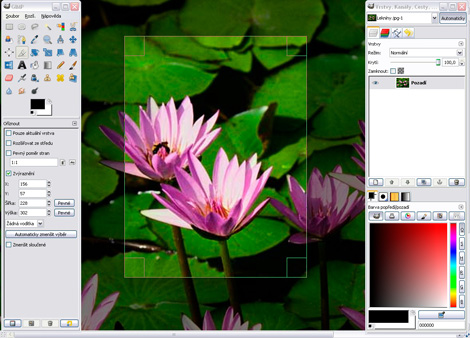
GIMP – Photo Editing
The GIMP is an image manipulation program, and has many of the same features as Adobe Photoshop. It was never meant to be a replacement for Photoshop, but it does have nearly all the tools required for nature photographers: curves, levels, shadows/highlights (with plugin), RAW support, and layers (with masking).
The two big features missing from the GIMP (but planned for a future version) are adjustment layers and support for 16-bit images.
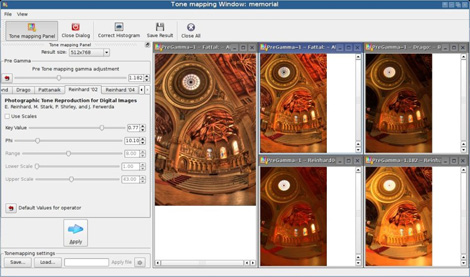
Qtpfsgui – HDR
Don’t ask about the name (and yes, I spelled it right!). Qtpfsgui is a High Dynamic Range Imaging (HDRI) tool. It works almost as well as the non-free Photomatix tool. It’s not very user friendly, so look for a tutorial here on PhotoNaturalist soon.
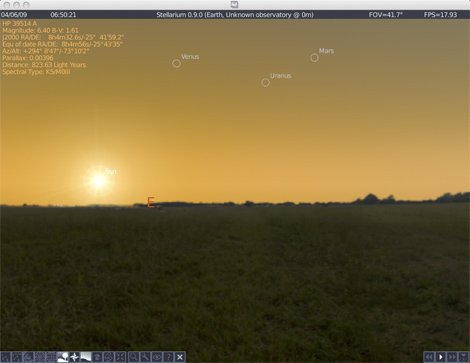
Stellarium – for landscape photographers
Stellarium is an excellent tool for visualizing the sunrise/set, and moonrise/set. It’s very user-friendly, and you can easily look at a date in the future and see where the sun/moon will be at a certain time of the day. This is a wonderful tool to help you plan great landscape shots.
Google Earth – for landscape photographers
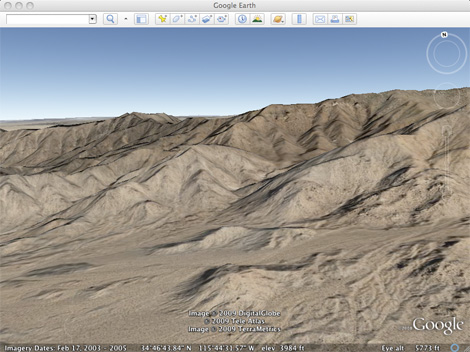
Google Earth is another great tool for landscape photographers. It shows you the elevation and terrain of a specific area, which can help you determine if the sun is going to set behind a mountain or hill.
JAlbum – for making web photo albums
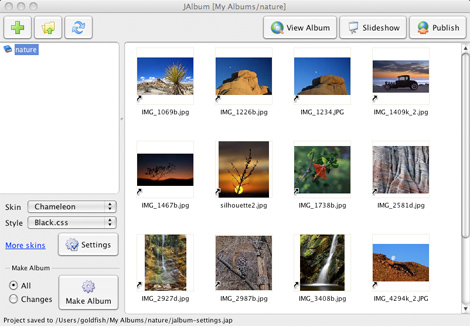
JAlbum is a great tool for making your own web photo albums. Usually, I prefer to use Flickr for displaying and sharing my photos, but sometimes it’s nice to have independent galleries too, hosted on your personal blog or another site. JAlbum is user friendly and has a ton of different “skins” for your album, so you’ll surely find a design you like.
What did I miss?
I know there’s a lot more than 5 free applications out there for photographers, so what did I miss? What great programs have you found that might be helpful for nature photographers (and that are also free!)? Please share by leaving a comment below!
If you enjoyed this article, and would like to read more, please signup for free updates by email or RSS.
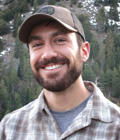 About the Author: Steve Berardi is a naturalist, photographer, computer scientist, and founder of PhotoNaturalist. You can usually find him hiking in the San Gabriel Mountains or the Mojave Desert, both located in the beautiful state of California.
There’s a free moon position calculator at http://www.findthemoon.com. You just put a target in the sky in a google-earth like screen and it will tell you when the moon will be in the target. It’s good for precomposing and planning moon landscape shots.